



How to Back Up Your Photos and Videos So You Never Lose Them
Image courtesy of Pexels
Having three copies of your important files is critical. Accidentally deleting a file or losing photos because of a faulty device or damage to the storage media means that those memories are lost forever.
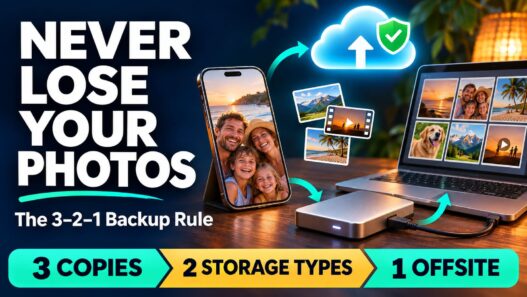
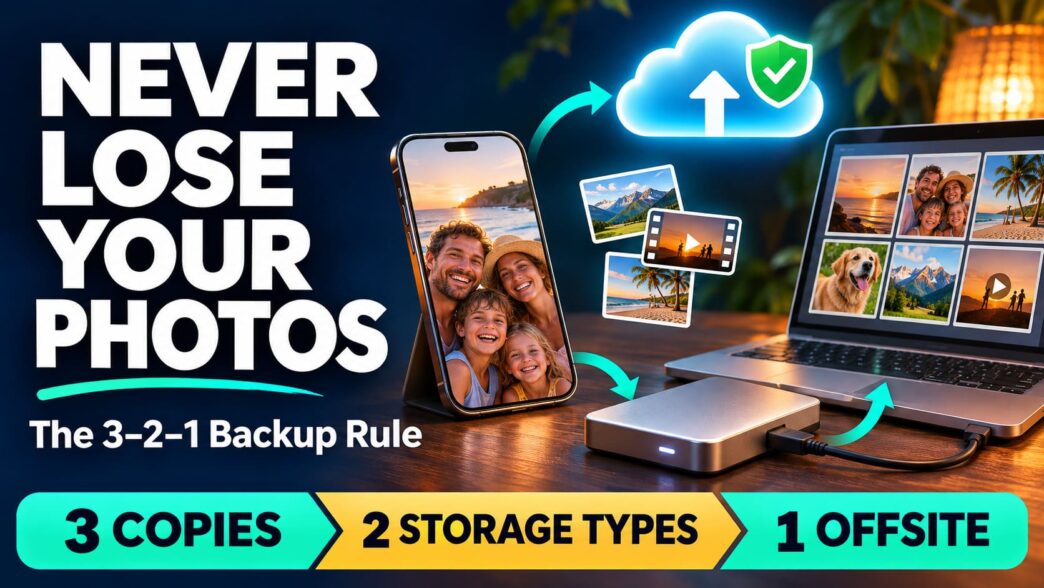
The 3-2-1 Rule of Backups
You should have at least three copies of anything important to you, spread across at least two types of storage, with at least one of those copies located offsite. One of the three doesn’t count unless it’s somewhere other than your house. Fire, flood or a person causing damage. If your house burns down, at least one of your copies survives.
What to Back Up
While it makes sense to back up everything, practically speaking this will cost you every month since many of the online backup services charge based on the amount of data you store. Anything irreplaceable like family photos and home videos, tax returns or anything that you created should be backed up.
Anything else such as movies, apps and music can be redownloaded and can exist only on your external drive. For most people, their irreplaceable data will likely only amount to a couple of terabytes, costing a few bucks a month.
Buy the Right External Drive
Buy an external drive that is at least twice as big as your photos and videos. Buy a well-known brand and do your own research on the manufacturer. Write the date you bought it on the drive and place to replace it in four or five years. Turn on automatic backups using Windows’ File History or your Mac’s Time Machine.
Why Fireproof Safes Fail Hard Drives
Most of the so-called fireproof safes sold for home use are made to protect paper, which starts to burn at around 450° F. The insides of these safes can still get well over 350°F, which is more than enough to kill a hard drive. If you want a fireproof safe to store your hard drives in, make sure it’s rated to protect digital media. Use it in conjunction with an online backup, not instead of.
If your hard drive survives a fire, do not plug it in. The soot can corrode the insides of the drive, and trying to use it could damage it even further. Most fire damage restoration companies will provide you with contact details of a data recovery specialist that can be used to try and salvage your data. Recovery efforts can cost several hundred to a couple of thousand dollars per drive and there’s no guarantee they’ll be able to get your data off.
Check Your Backups Twice a Year
It’s easy to set up a backup system and assume it’ll continue to work forever, but there’s no substitute for actually opening up a couple of random photos from your external drive and your online backup account every so often to make sure they still open.
Check for any error messages within the backup program and make sure the ‘last backup’ date is recent. If your online backup service offers versioning, enable that as well.
Set Up Your Backup Right Away
Plug in your external drive and enable Time Machine or File History. Upload your photos folder to an online backup service and add a calendar reminder to check your backups in six months. When you’re done make sure you have three copies; two types of storage and at least one offsite copy.